Can I color my own pictures?
Yes. Import line art directly from Photos, then keep it alongside the built-in coloring pages.
For iPhone & iPad
A quiet place
to color.
Choose from 190+ hand-drawn pages, use familiar coloring tools, or bring in line art from Photos—all without ads.
No ads · Artwork stays on your device
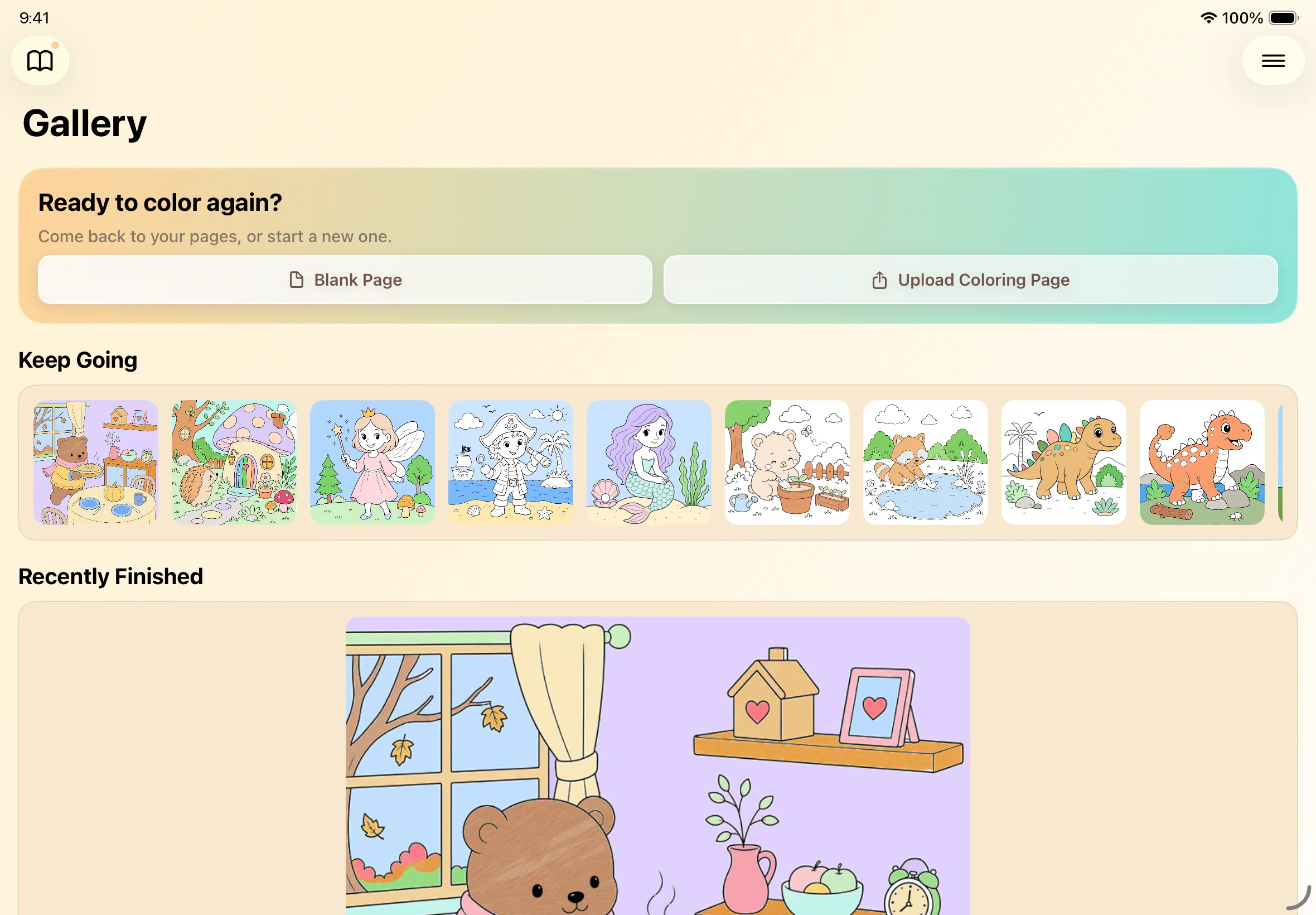
190+pages ready
to color
Coloring should feel like coloring—not managing software.
Open a page and the tools are already where you need them. There are no complicated menus to work through or settings to adjust before you begin.
Crayons, markers, colors, and fill tools stay close at hand while the picture remains the focus.
Color independently—or together.
Choose from the built-in pages or add line art from Photos. Projects stay in the gallery between sessions, ready whenever you want to come back.
Yes. Import line art directly from Photos, then keep it alongside the built-in coloring pages.
Explore 190+ hand-drawn pages and use crayons, markers, watercolor, glitter, fill tools, and color palettes.
Happy ColorPad is free to download, with an optional in-app purchase for full access. Current details are shown on the App Store.
No. Happy ColorPad does not use advertising, so creative time is not interrupted by promotional content.
Projects and imported images stay locally on the device. Happy ColorPad does not upload artwork to Sinbad Labs servers.
Happy ColorPad is available for iPhone and iPad and requires iOS 17 or iPadOS 17 or later.
Explore hand-drawn pages across animals, dinosaurs, fantasy, letters, numbers, holidays, and more.
Add drawings, printable coloring pages, and other line art from Photos, then keep them alongside your favorite Happy ColorPad pages.
Switch between crayons, markers, watercolor, glitter, and fill tools, with the color palette always close at hand.
Large, familiar controls make it easy to start and keep coloring on iPhone, iPad, and shared family devices.
There are no ads or promotional pop-ups between choosing a page and finishing it.
Projects and finished pictures stay on the device in a private local gallery, ready to revisit anytime.
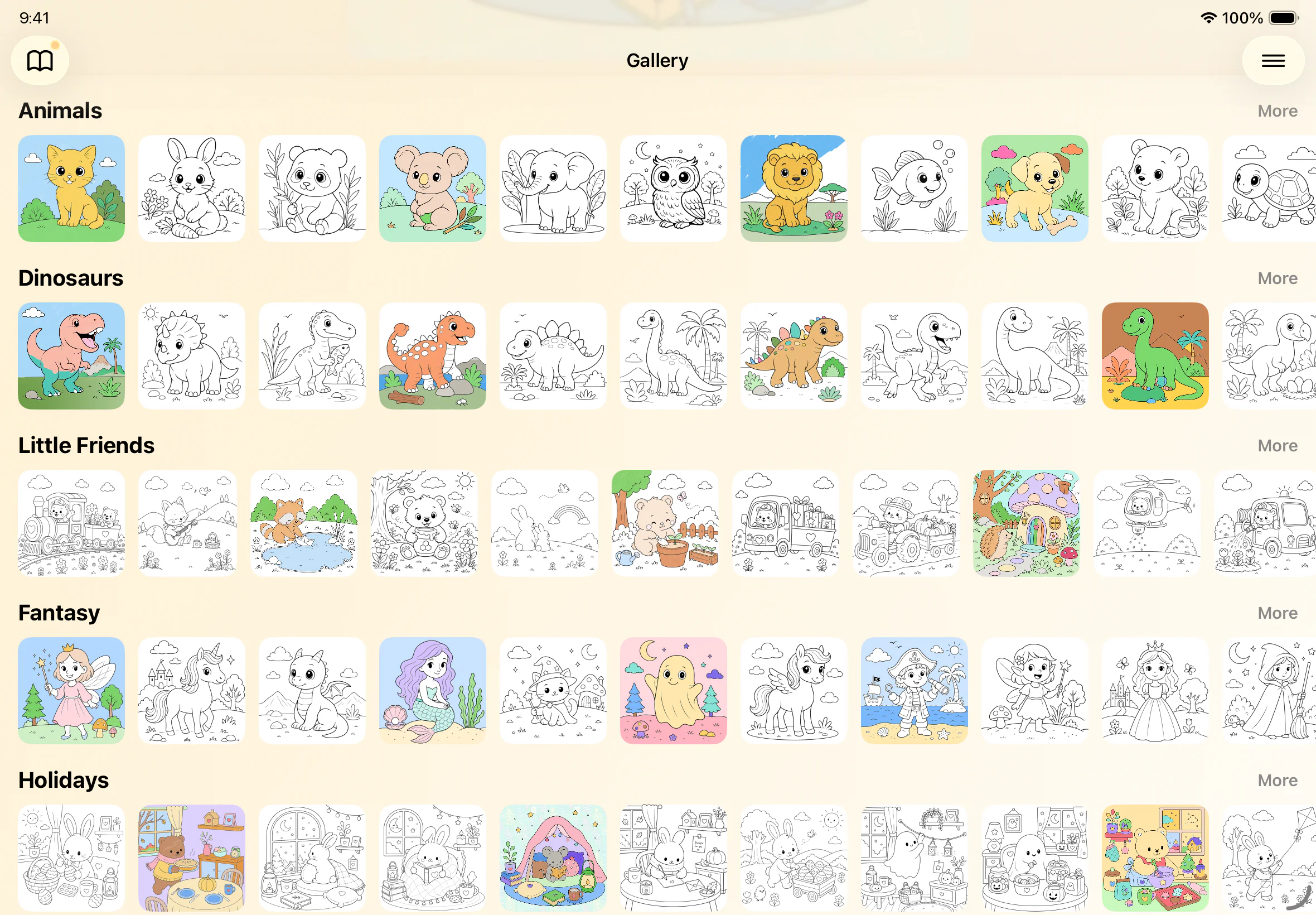
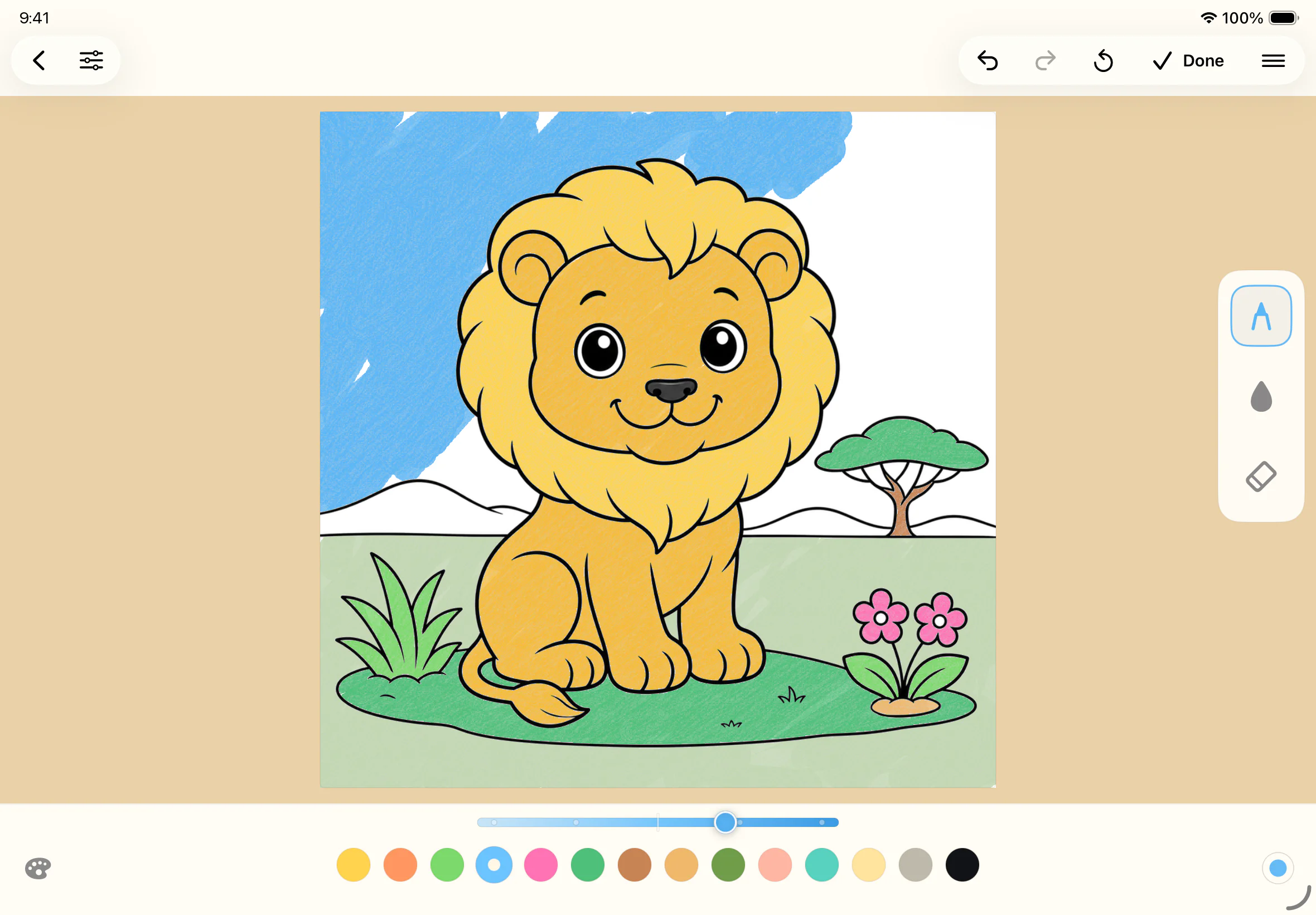
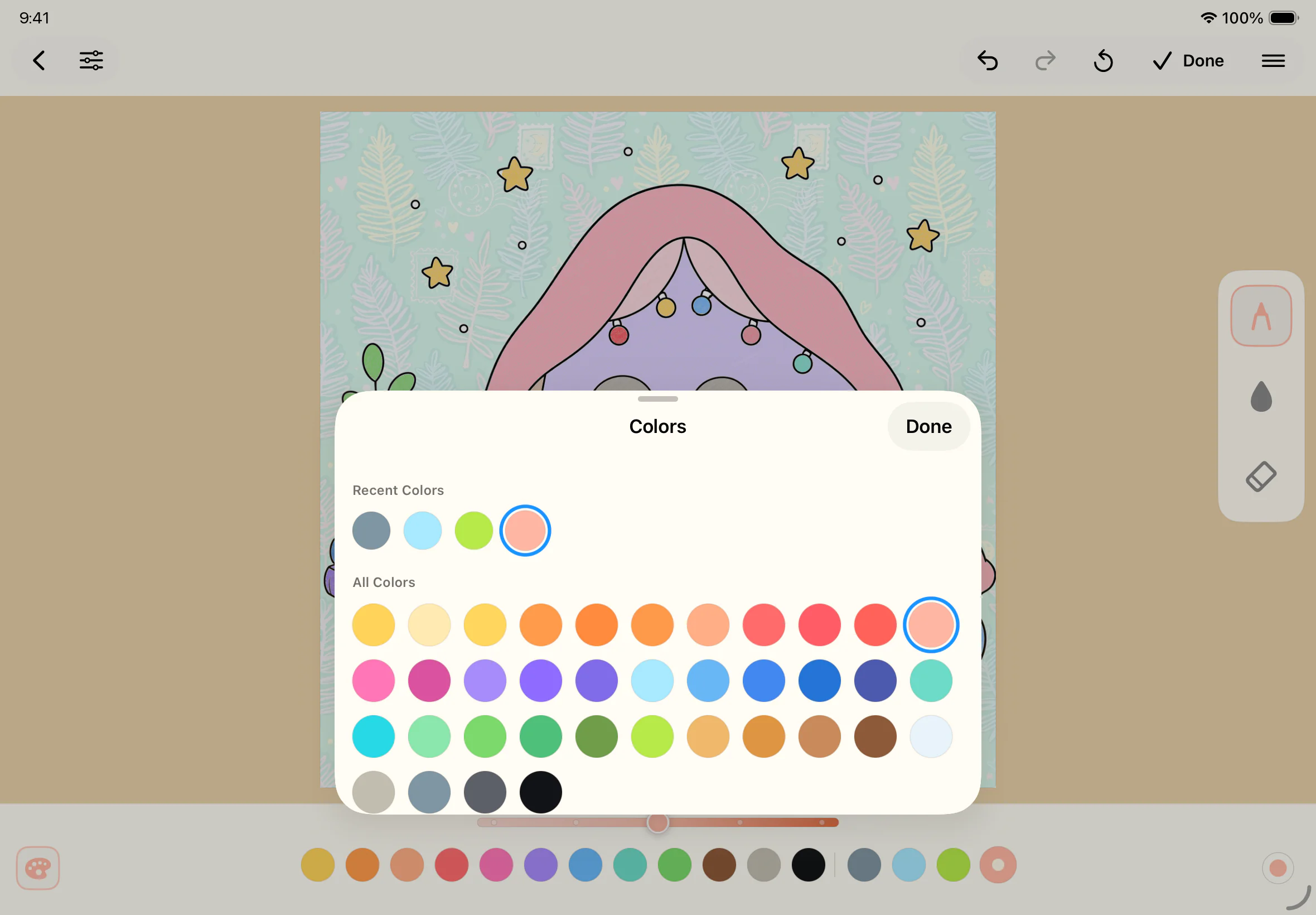
For families
Choose a page together, pass the iPad around, or let everyone settle in with a picture of their own.
Bring in favorite subjects, printable pages, or family-made drawings from Photos, then keep finished work in the gallery.
When you feel like coloring